Mosaic crochet
Two colors, two-row logic.
Inset or overlay, smart-brush enforced, validation built-in. The editor we started with — now sharper.
Three focused editors — mosaic, colorwork, and filet — backed by a pattern tracker that follows you row-by-row on your phone. Design at your desk, crochet wherever your hook lives.
Two colors, two-row logic.
Inset or overlay, smart-brush enforced, validation built-in. The editor we started with — now sharper.
A simpler grid, all the colors.
One stitch per cell with any palette you build. Works for tapestry crochet, fair-isle knitting, cross-stitch, beading — anything that lives on a colored grid.
Open or filled. Mesh your way.
Pure silhouette work — two states, mesh sizes 1 to 3 chains, tiles or stitches grid style.
Pick up exactly where you left off—on any device.
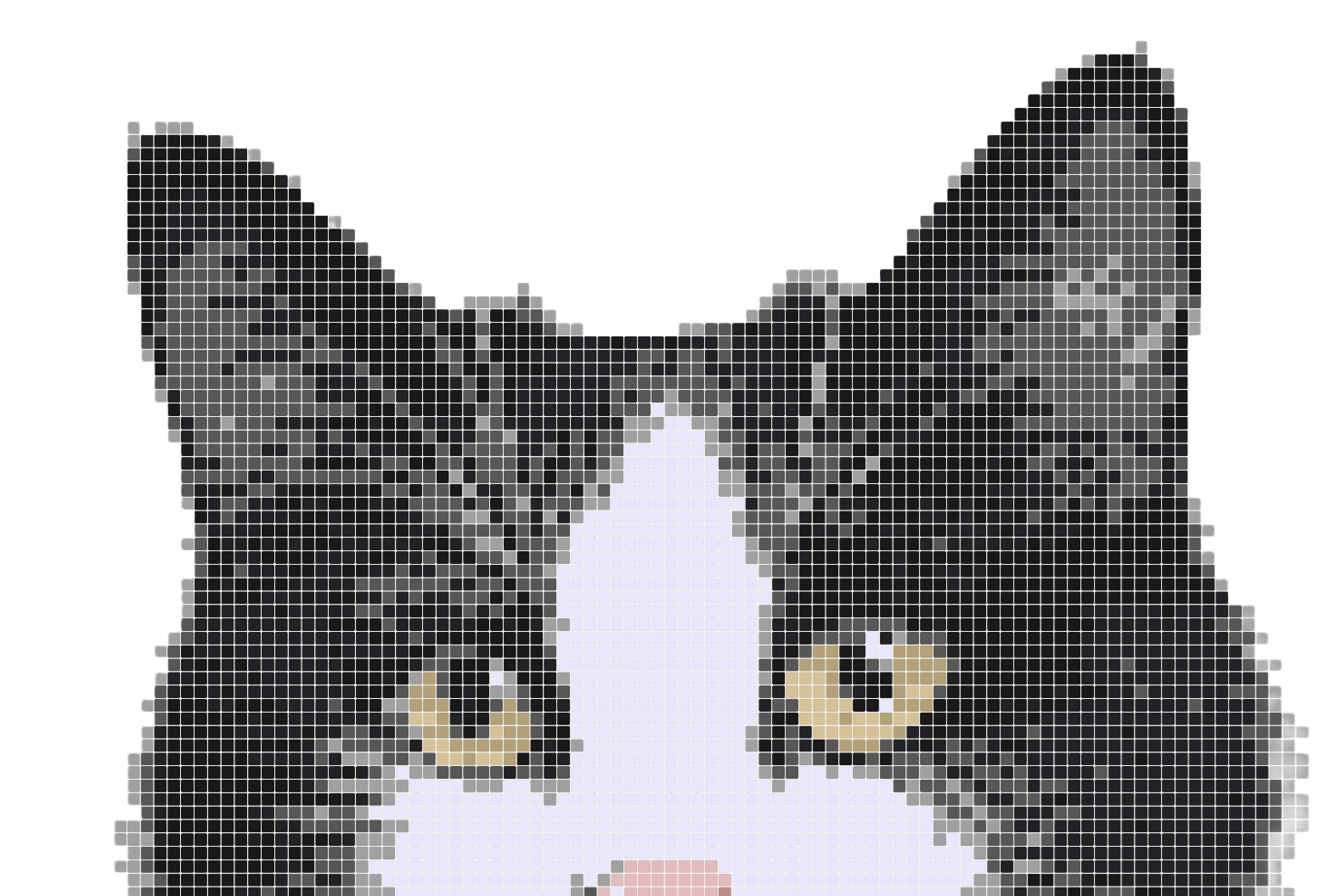
Upload a photo, sprite, or existing chart — the editor auto-sizes the grid to its aspect ratio and extracts a colour-true palette. Tune detail, sharpness, and yarn count to land the result you want.
Print-ready charts tuned to each editor — mosaic exports with overlay/inset stitch logic, colorwork with palette legends and RS/WS direction, filet with mesh-size keys and E/F counted instructions.
Every cell follows mosaic rules automatically. Five brush sizes (1–5) for fast block-outs.
Catch invalid cells before you crochet. One click to auto-correct.
Calculate pattern size from your gauge — then plan repeats for any project.
Type any word — the editor renders it straight onto the grid, sized to fit. Pick the font weight, paint over it, done.
See your motif tile before you stitch it — 3 × 3 wraparound preview around the live canvas.
Mirror as you draw — V, H, or 4-way cross.
Pick by what you're making. Mosaic crochet if you want the classic two-yarn overlay/inset look; Colorwork if you have a colour chart you want to crochet, knit, cross-stitch, or bead; Filet if you're working open-mesh silhouettes. You can switch modes from the dropdown at the top of the editor — switching clears the current canvas but never touches your saved patterns.
Not really. Mosaicery handles the stitch logic for you — if you can paint cells on a grid you can produce a valid mosaic chart. The exported PDF includes a stitch legend and optional row-by-row word instructions so anyone who knows the basic crochet stitches and can follow the instructions can crochet it.
Yes — and you only have to draw the chart once. The editor's canvas always follows overlay mosaic logic, but the export can re-render the exact same chart as inset on demand. Same artwork, two valid pattern outputs.
Two new editors — Colorwork and Filet crochet — sit alongside the original Mosaic editor and share the same mirror, repeat, gauge, and export tooling. The brush goes up to 5 sizes, the grid maxes out at 300 × 300, and word instructions now adapt to whichever editor you're in: mosaic stitch tokens, colorwork colour runs, or filet mesh counts (with an E/F cell-letter alternative).
Yes. During our launch period every feature is available to everyone at no cost — pattern export, all brush sizes, the gauge calculator, word instructions in PDF, repeat compression. We'll introduce paid tiers later, but anything you create now stays yours.
Yes — PDF chart export is free for everyone, with optional row-by-row word instructions and combined-repeat shorthand. Each editor exports with logic tuned to its craft: mosaic with overlay/inset stitch glyphs, colorwork with palette legends and RS/WS direction, filet with mesh-size keys and counted instructions.
Up to 300 × 300 cells — 90,000 cells of paintable space. More than enough for blanket-scale projects, with smooth zoom and pan at every level.
Free to start. No credit card. Your first pattern can be ready before your coffee gets cold.